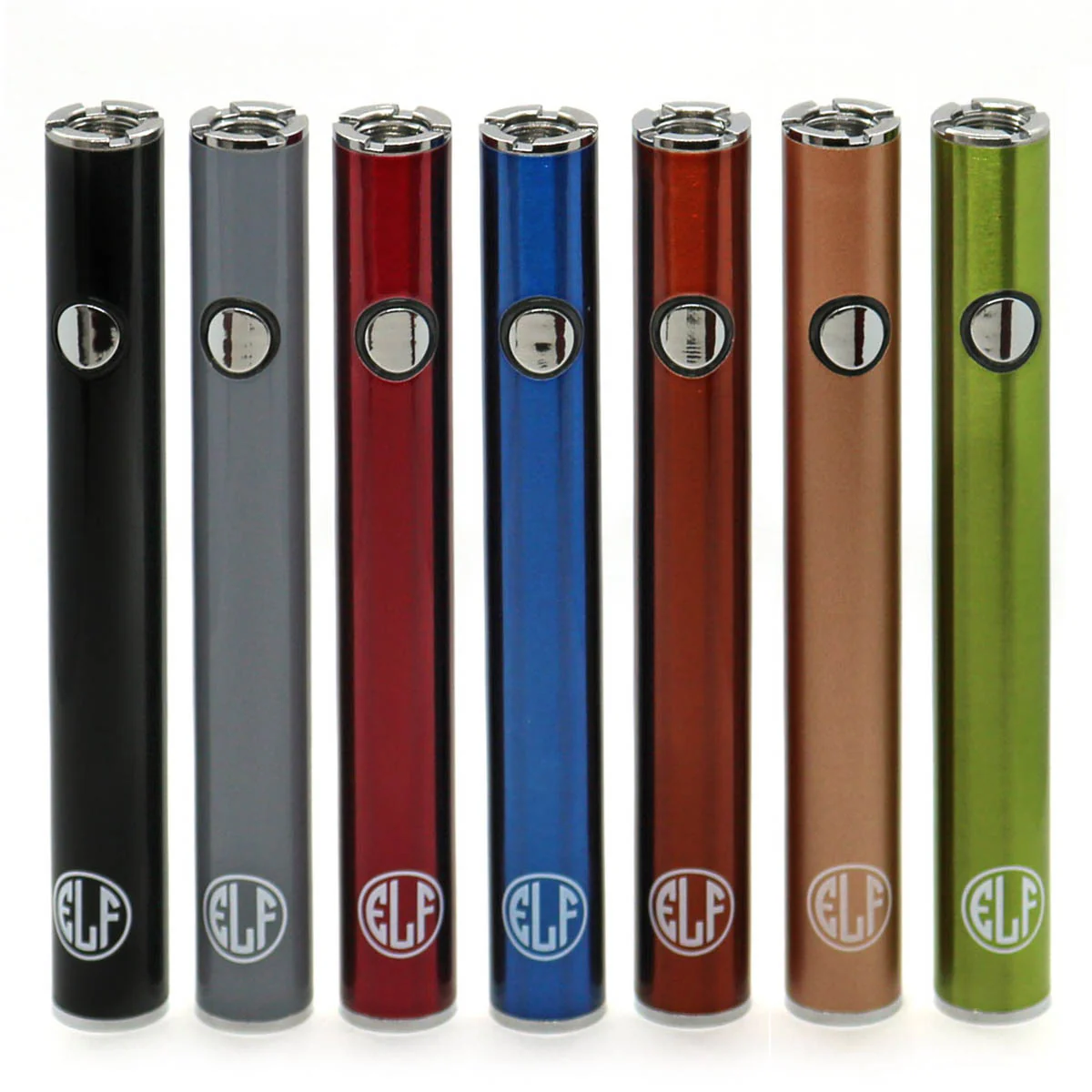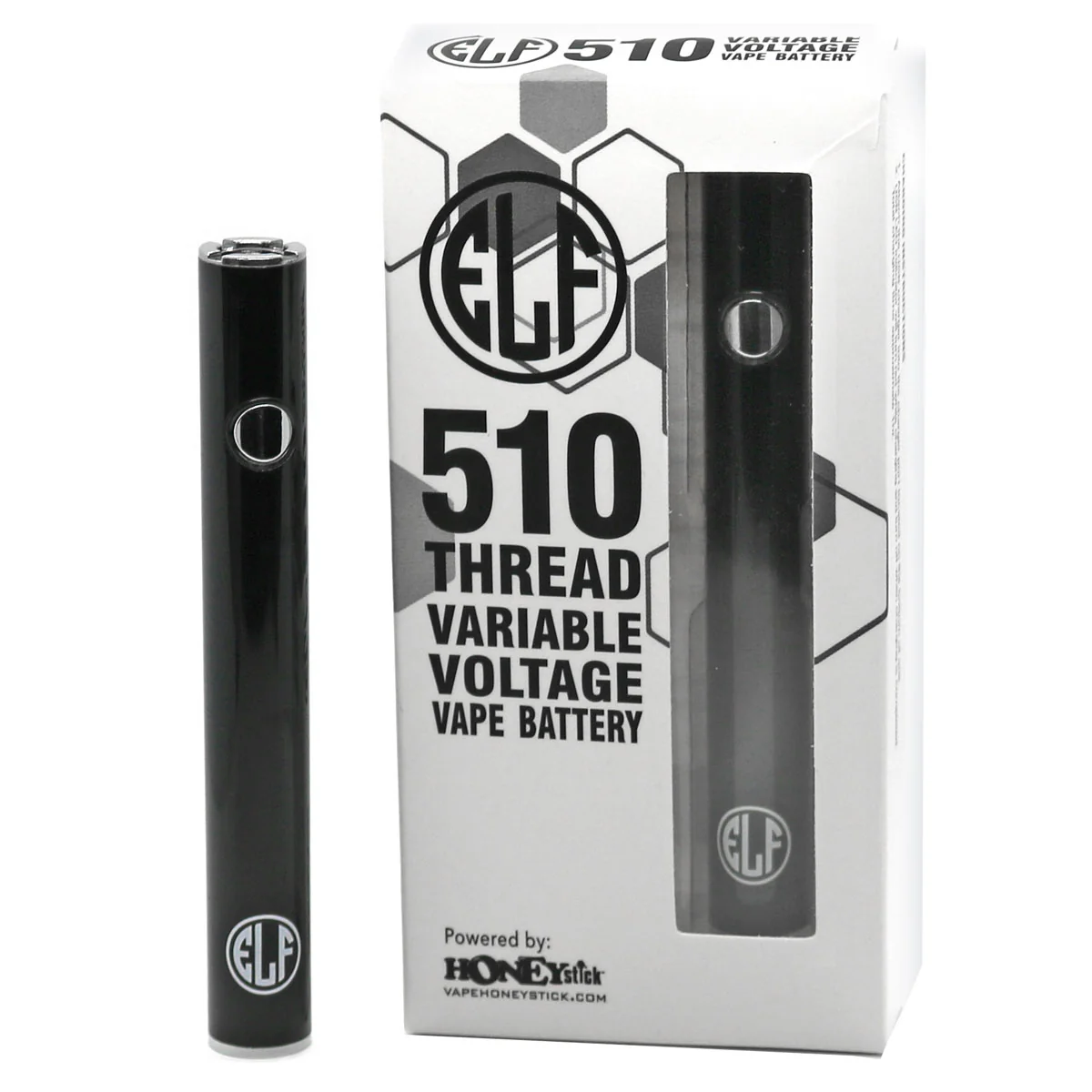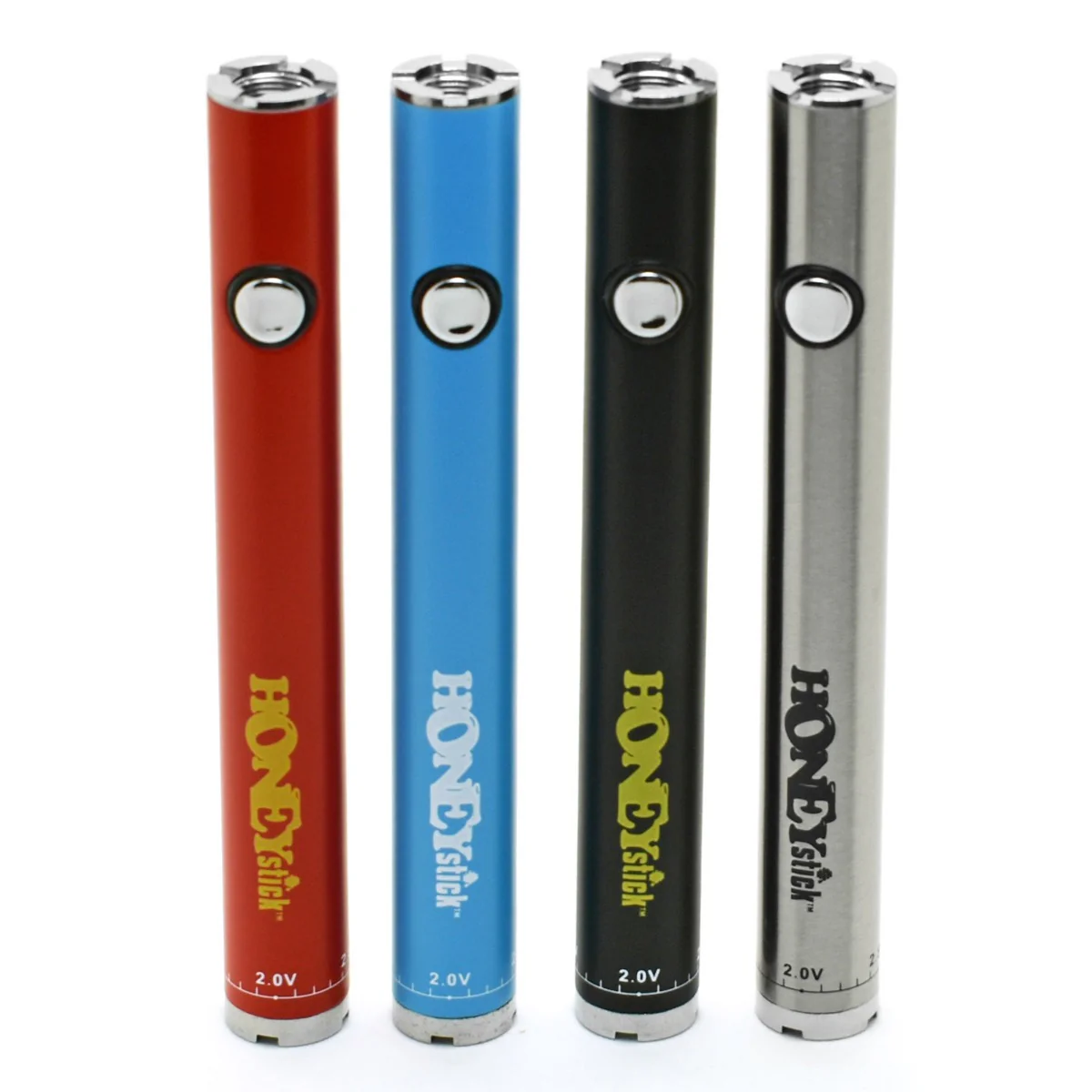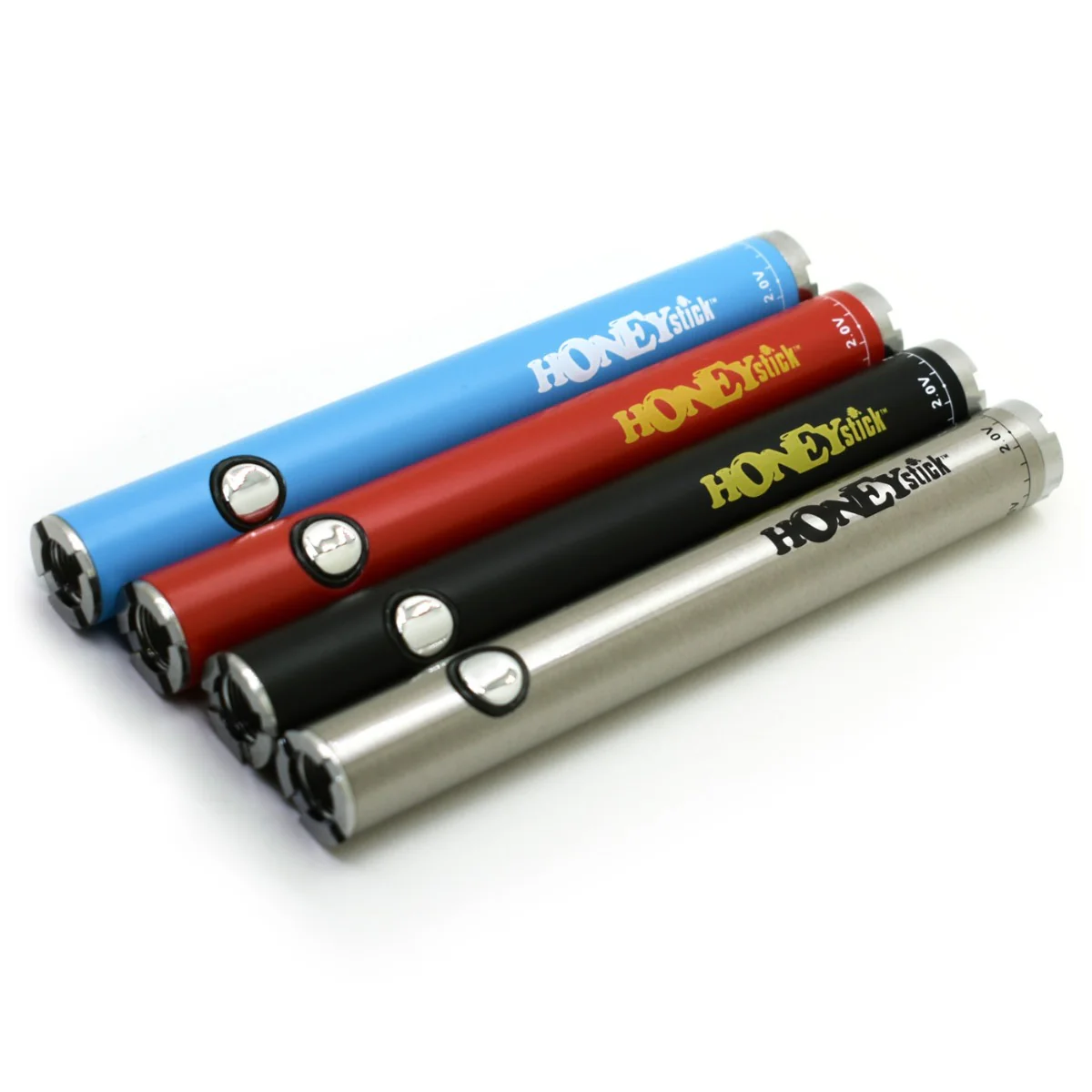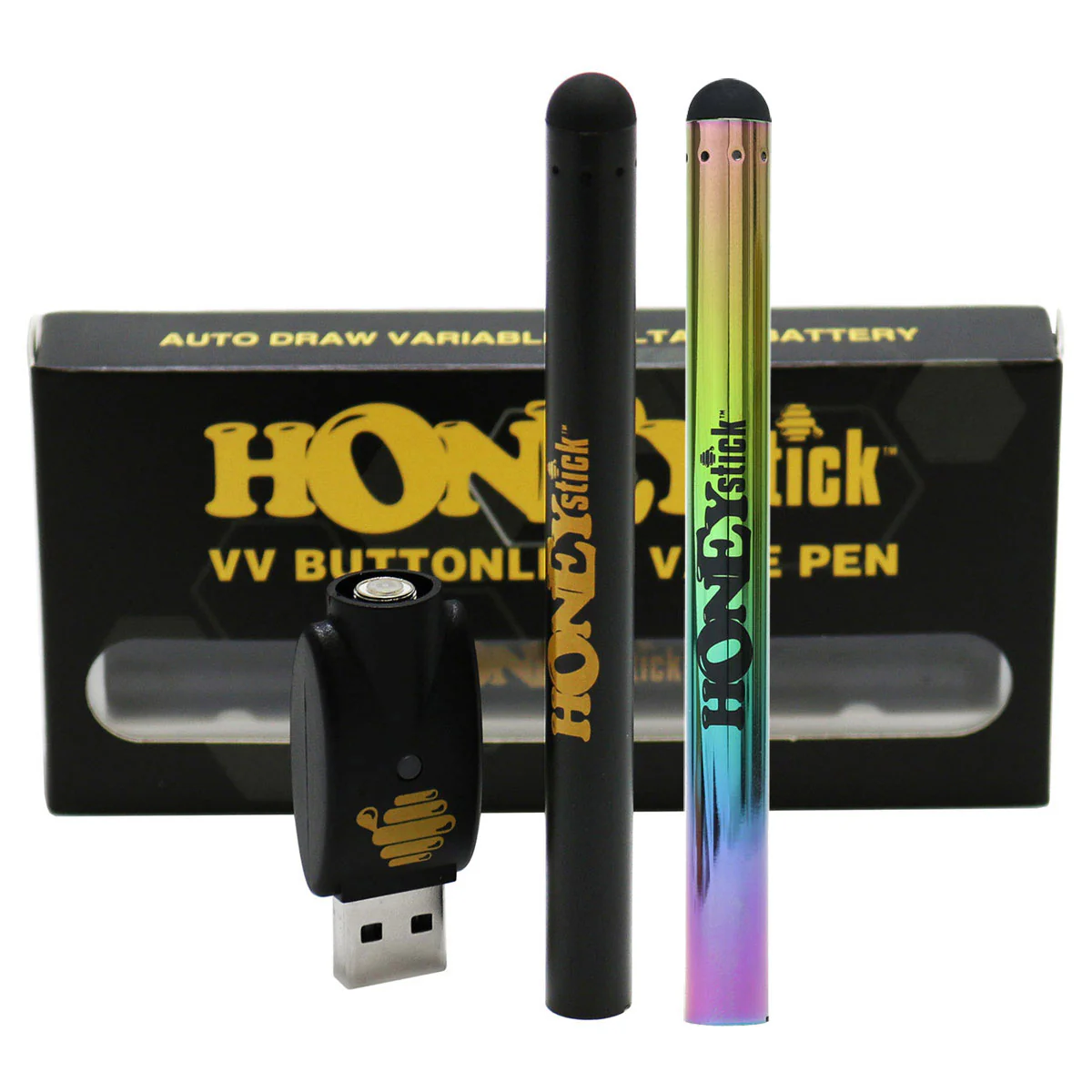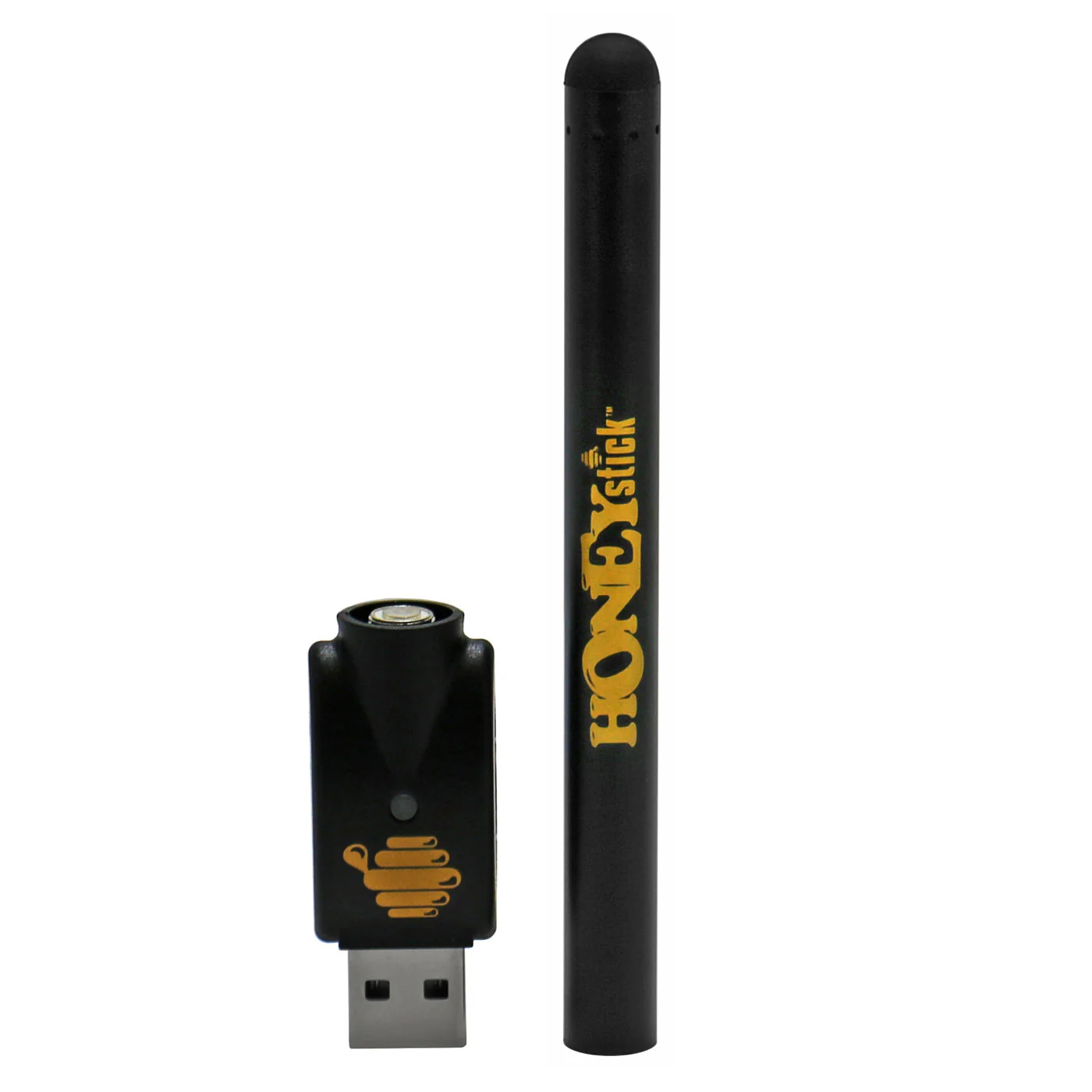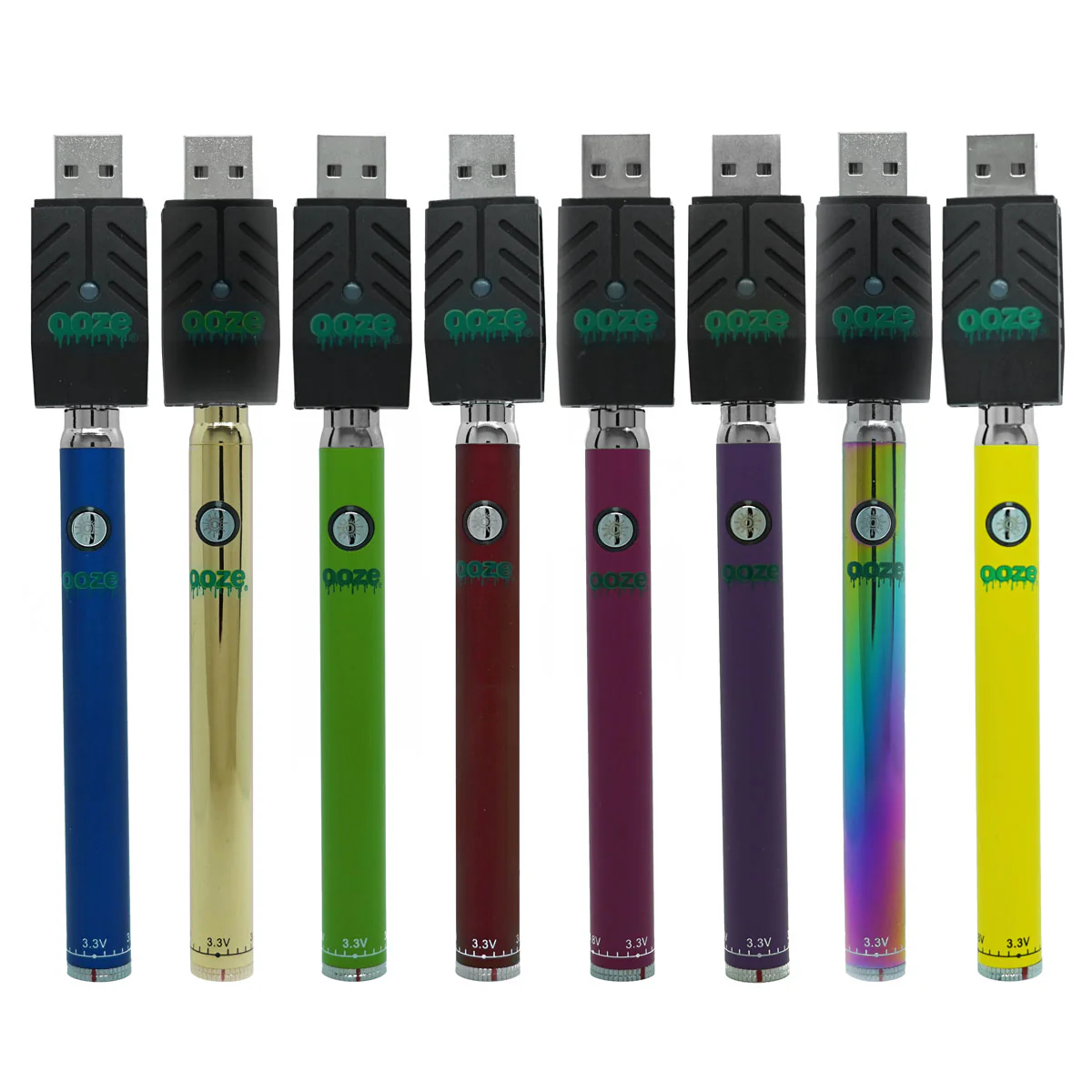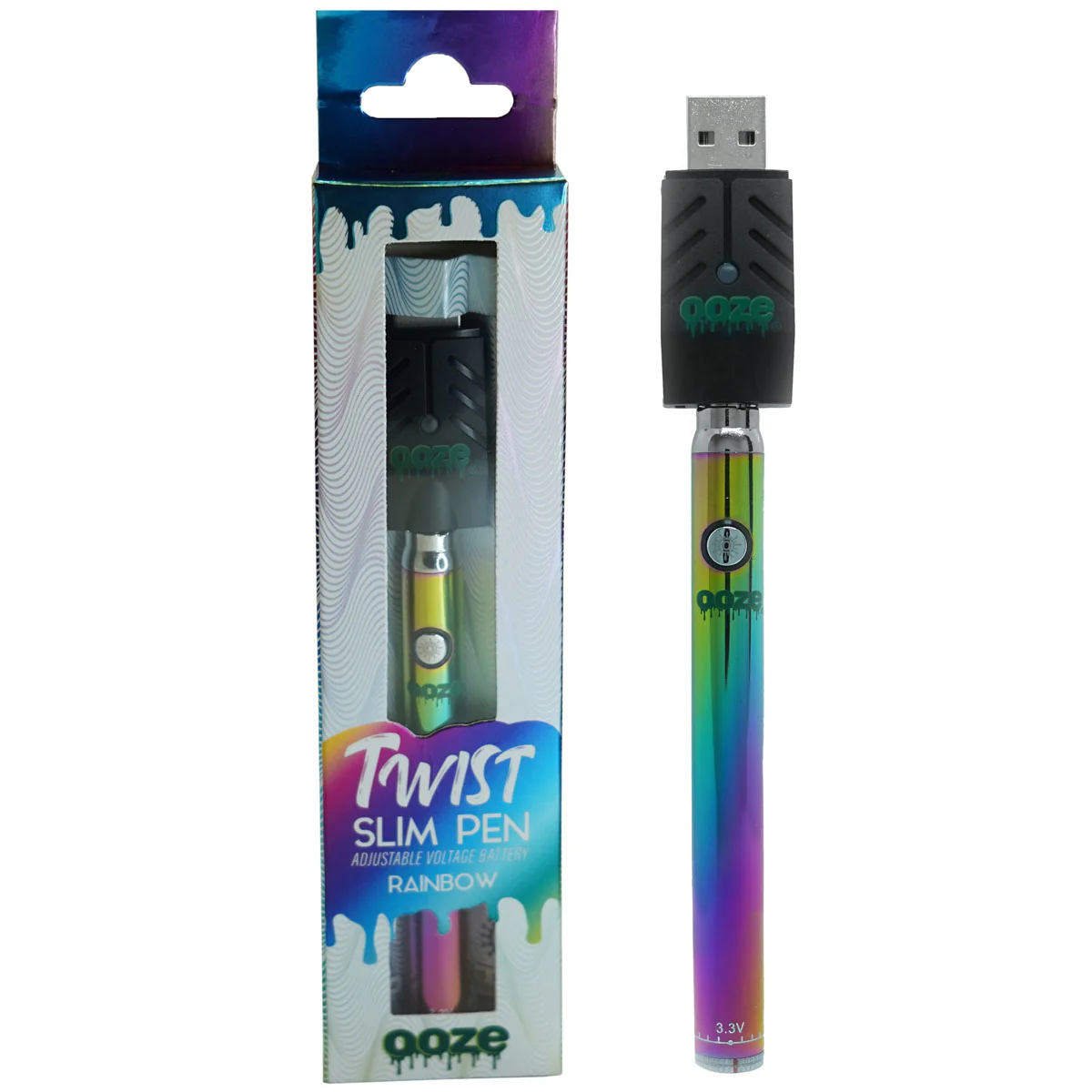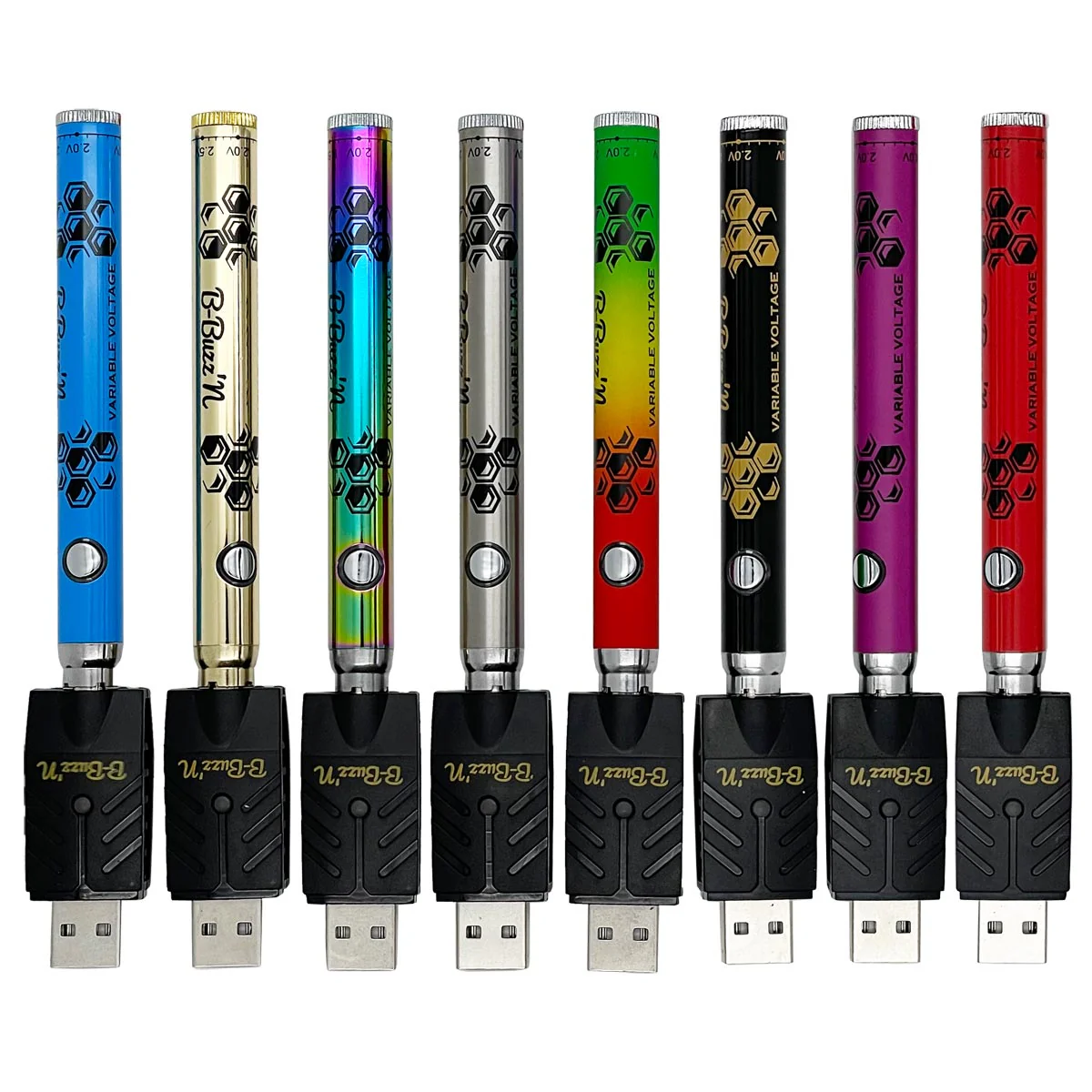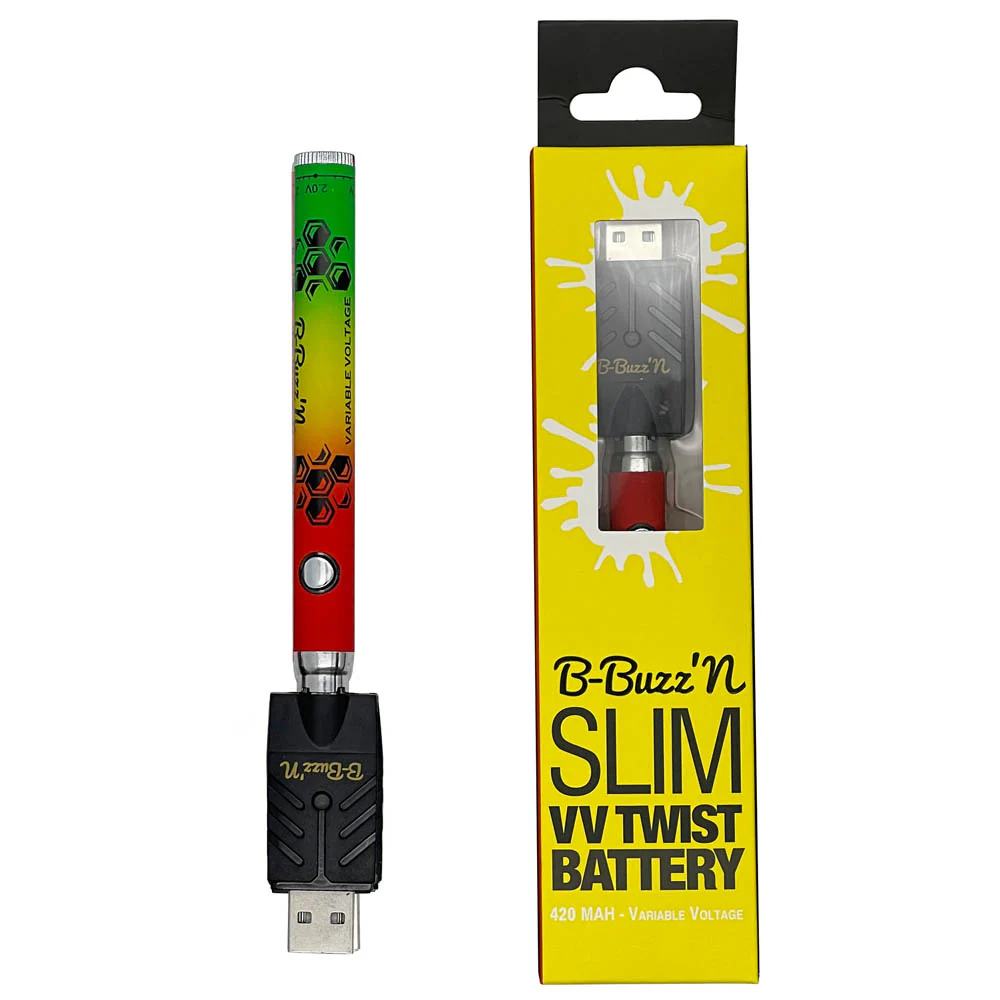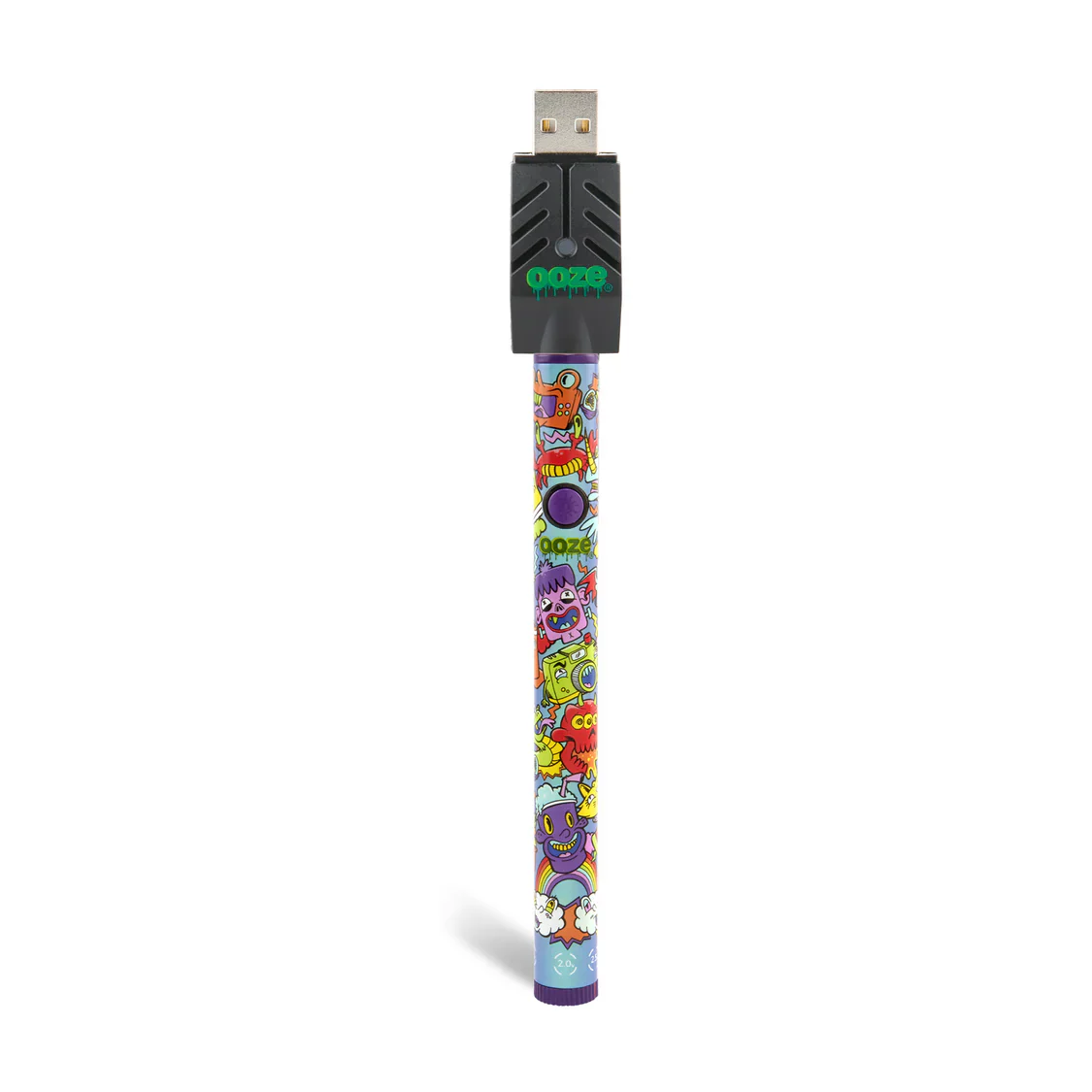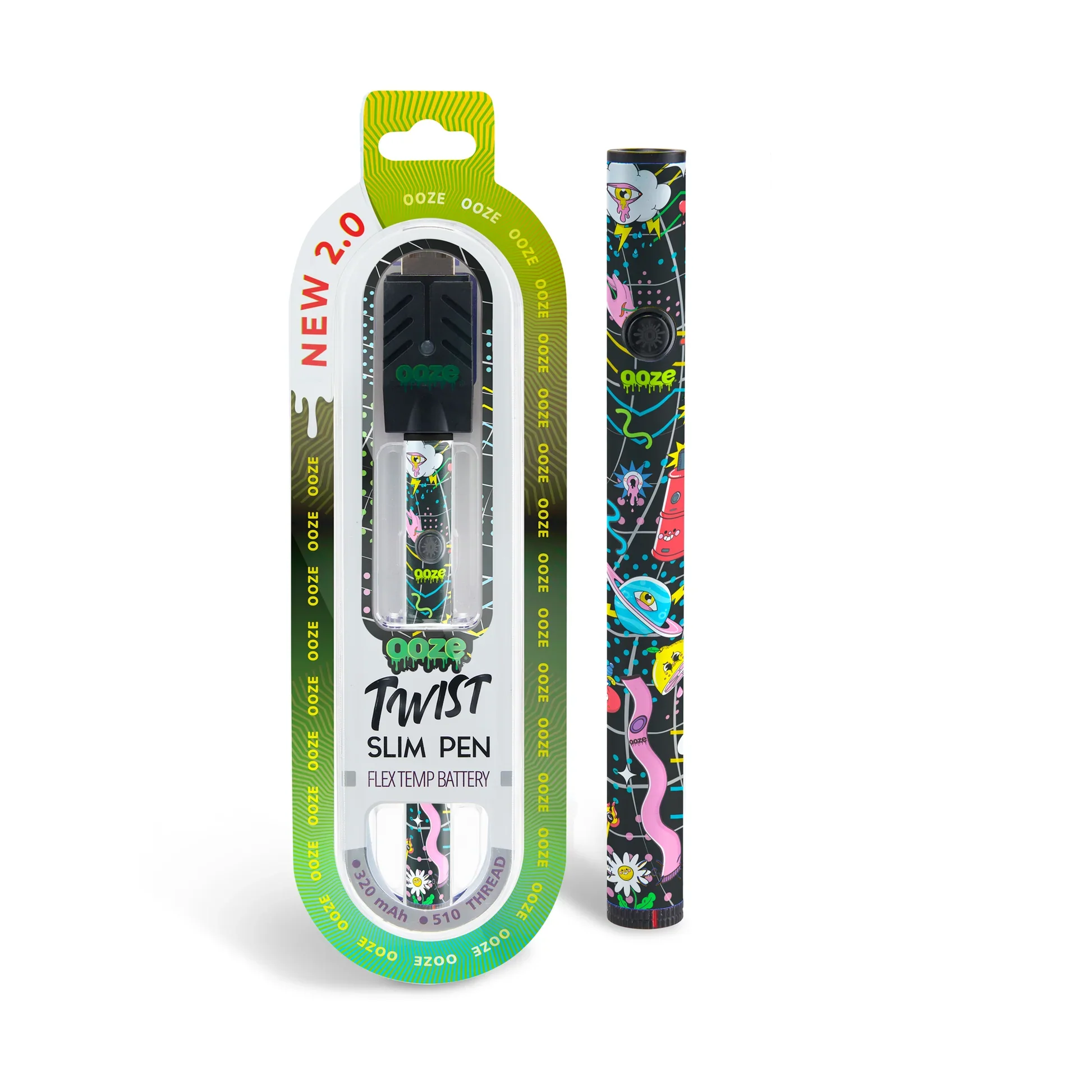
Honeystick Digital 510 Thread Vape Cart Pen Battery
Experience Precision Vaping with the Digital 510 Pen Battery
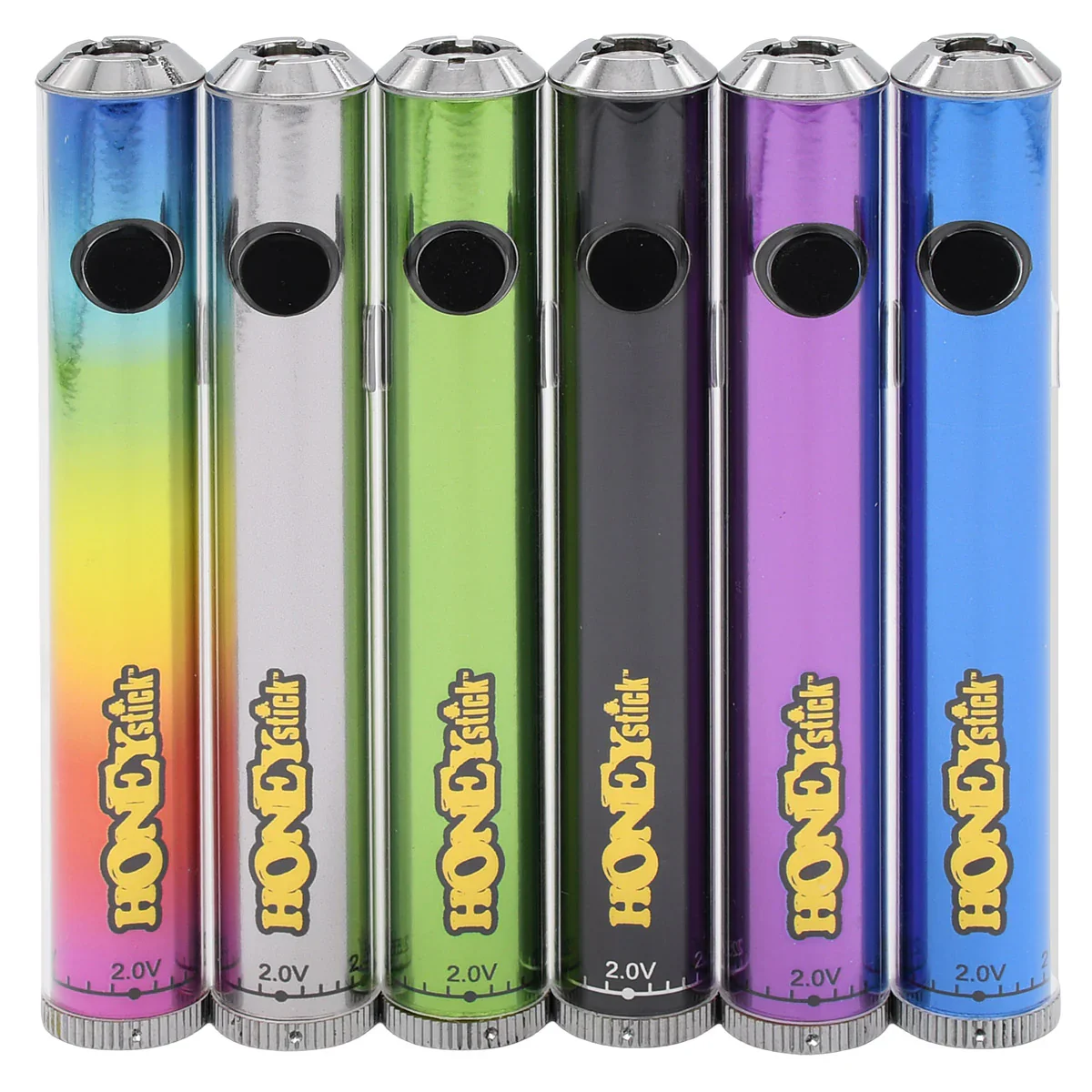
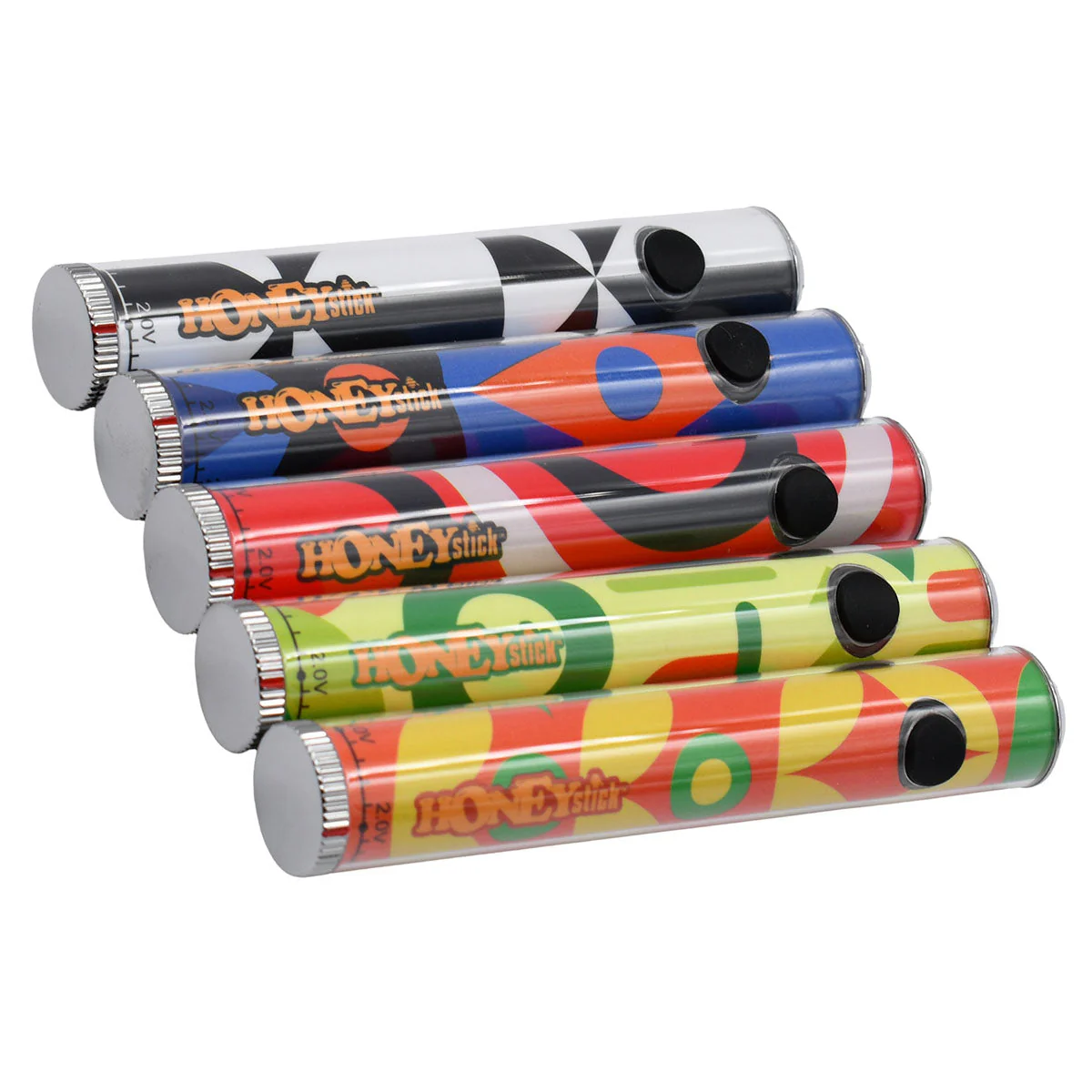
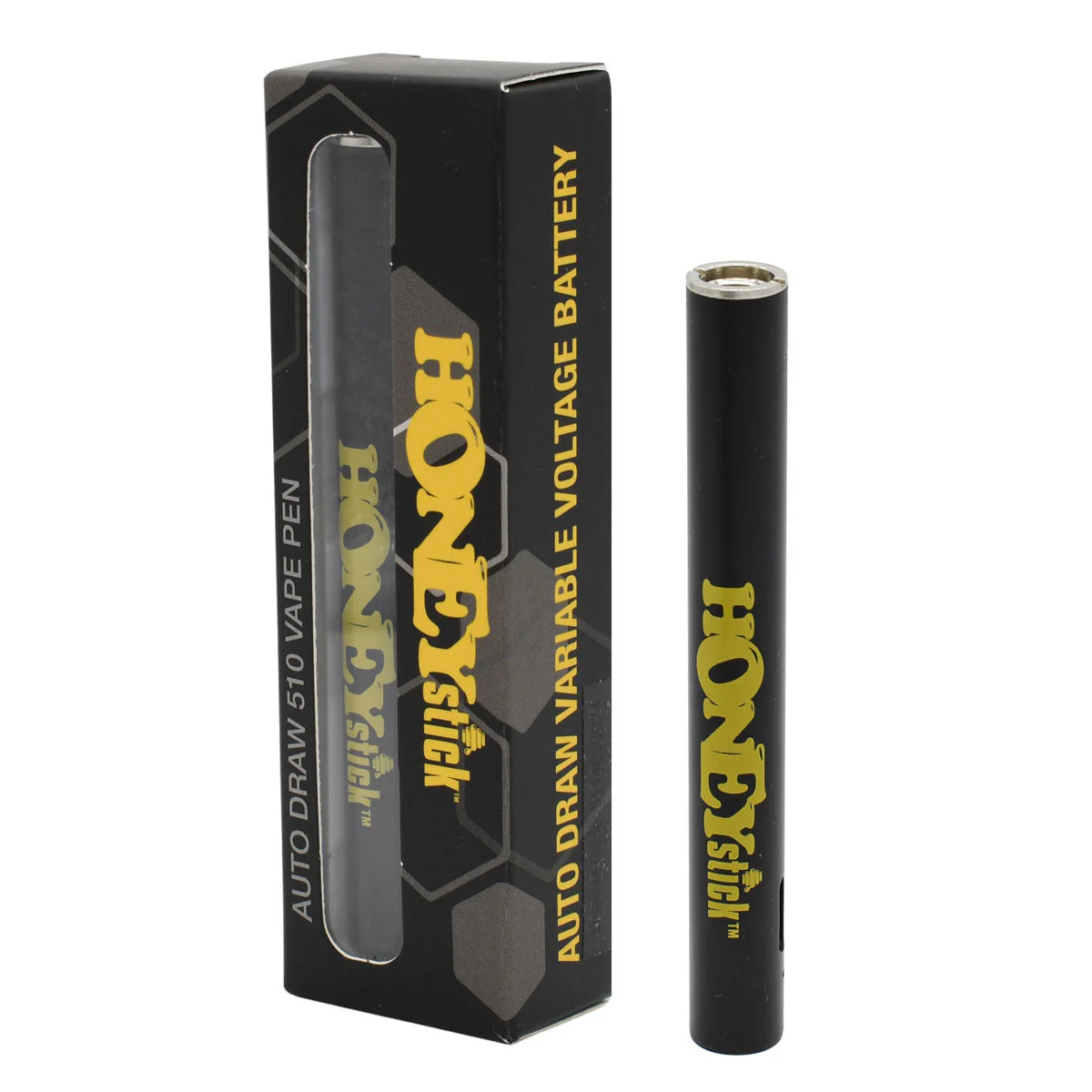
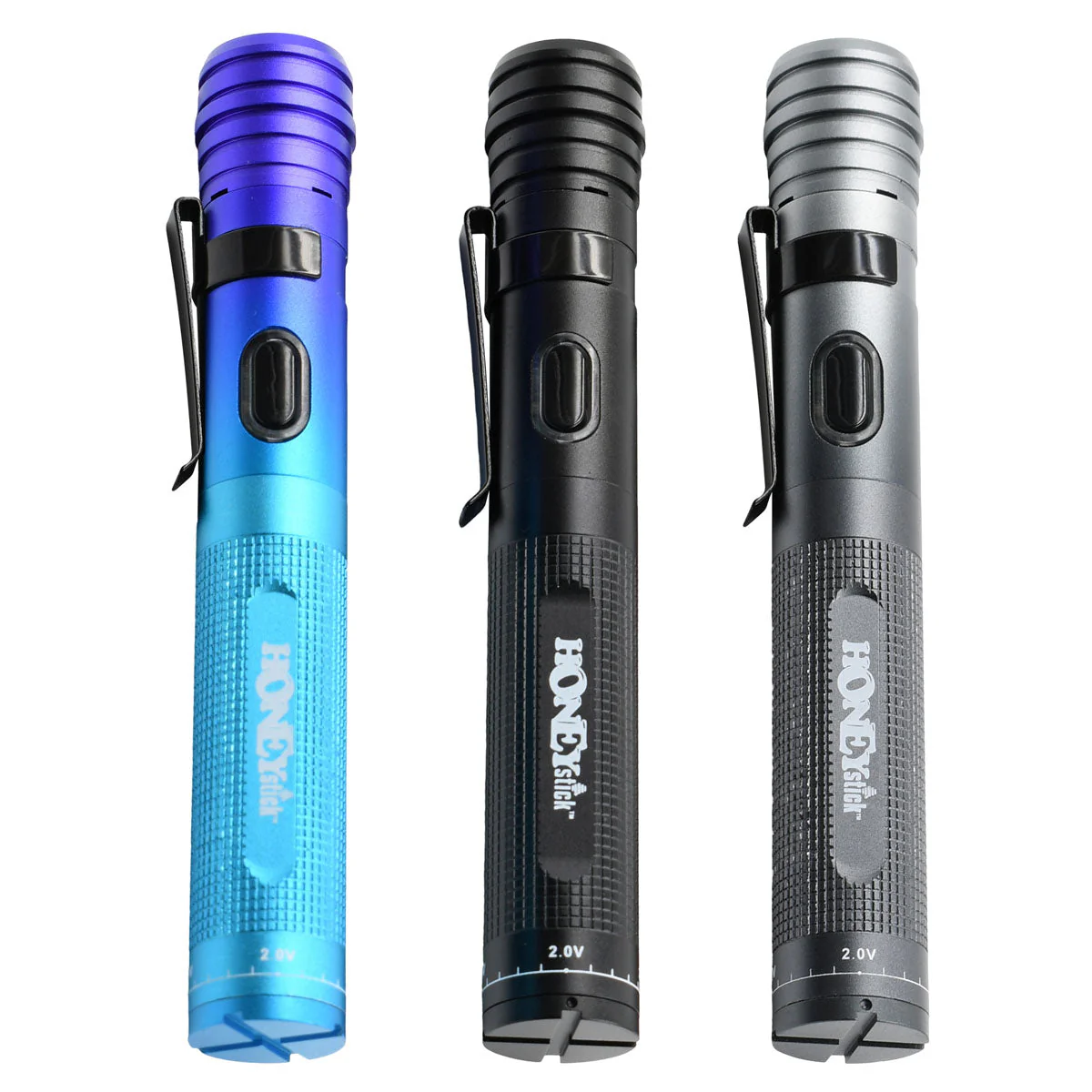
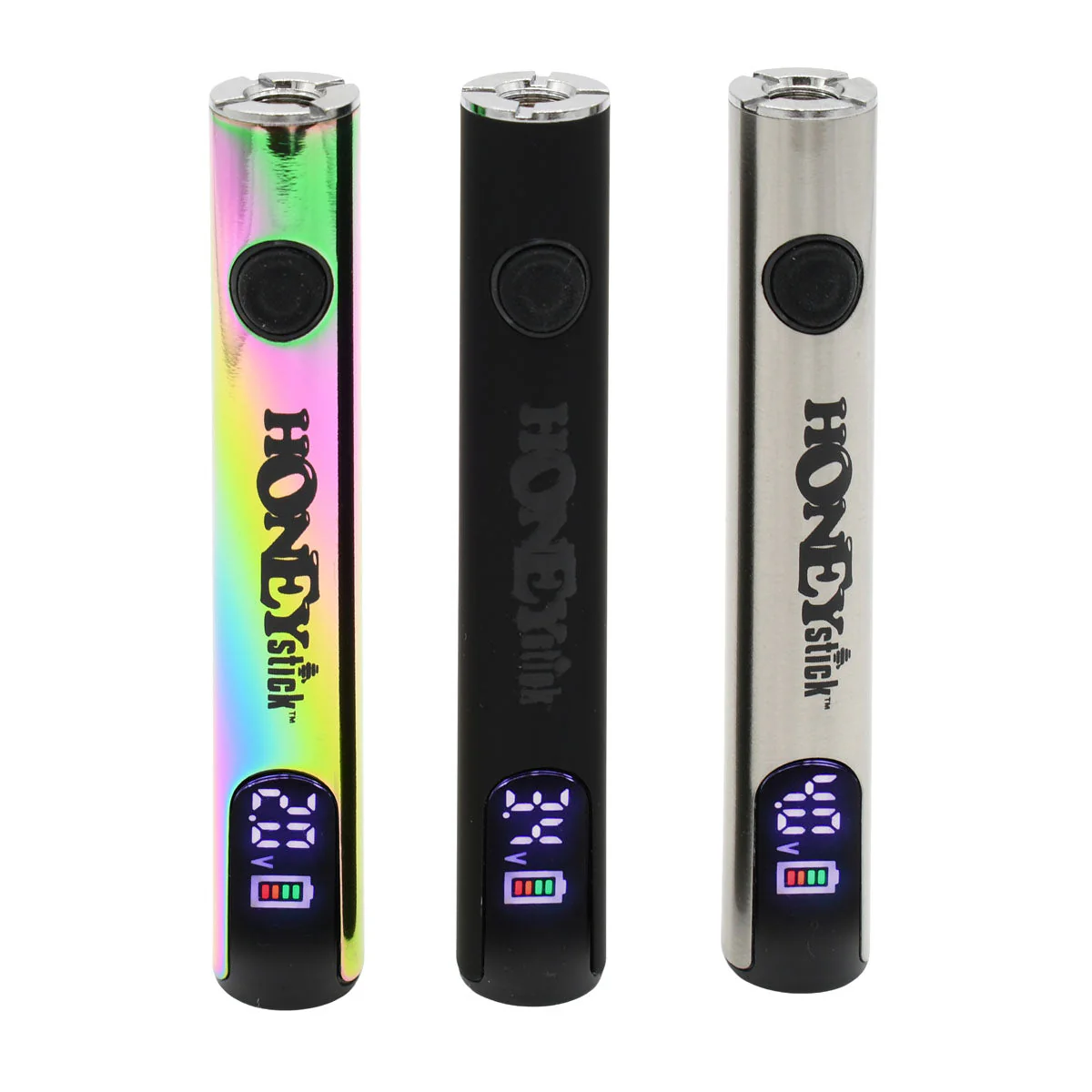
The HoneyStick Digital 510 Thread Vape Pen Battery is engineered for the modern vaper. It offers unmatched control over your vaping experience with its digital voltage adjustment from 2.0V to 4.0V, precise to 0.1V. The robust 400mAh capacity and innovative preheat function elevate your vaping sessions.
How to Use Your HoneyStick Digital 510 Battery
Activating Your Battery: Quickly press the power button five times to turn on/off.
Charging Your Device:
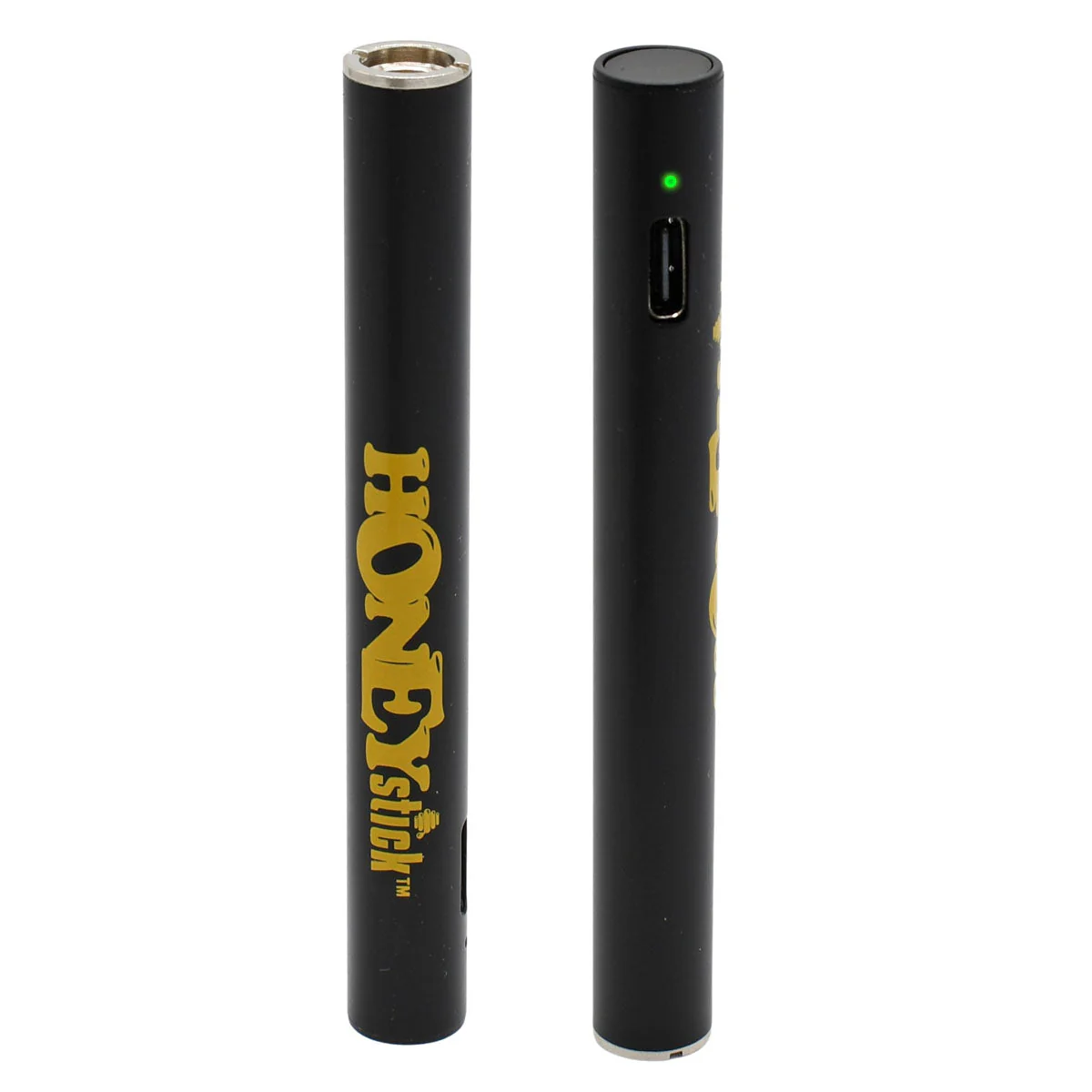
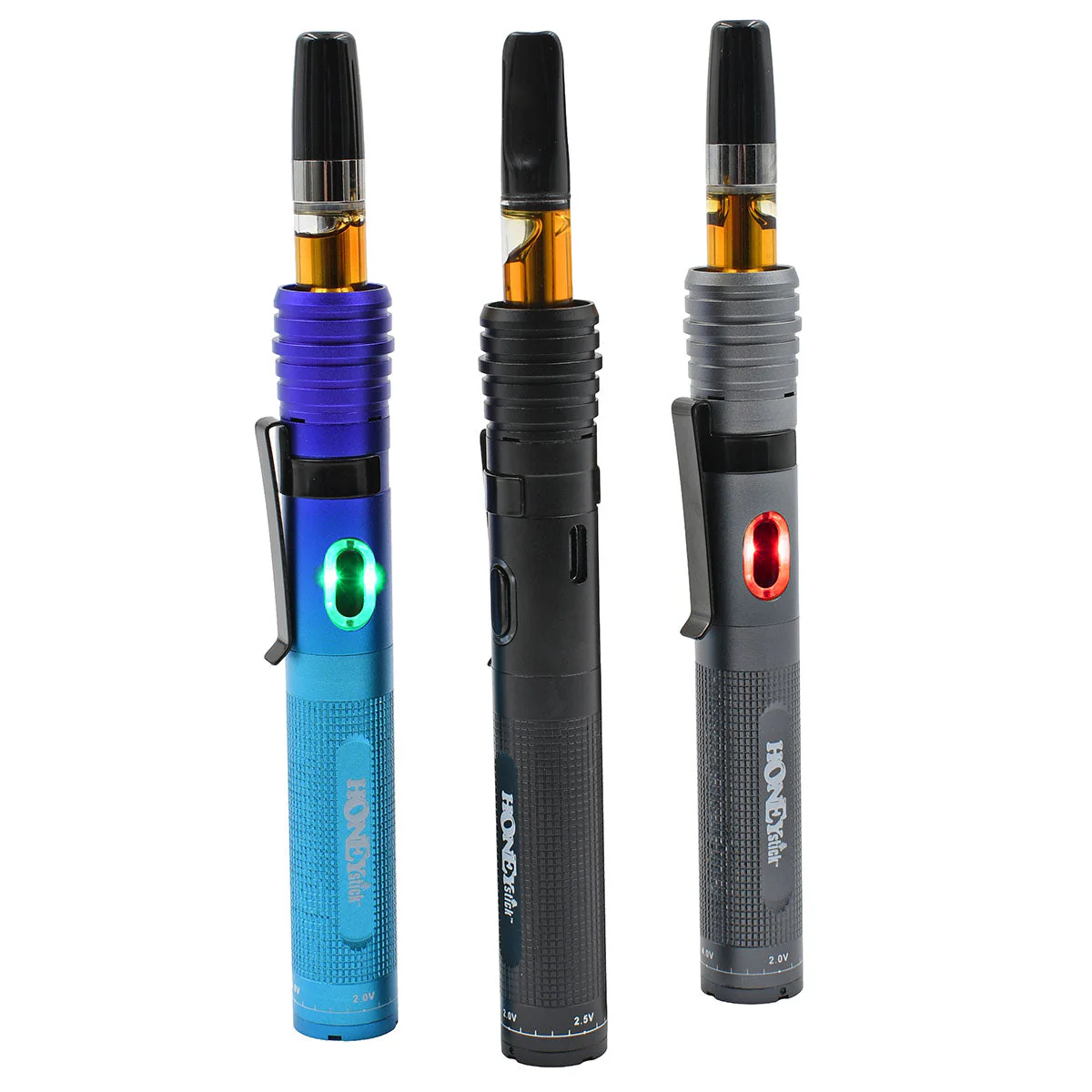
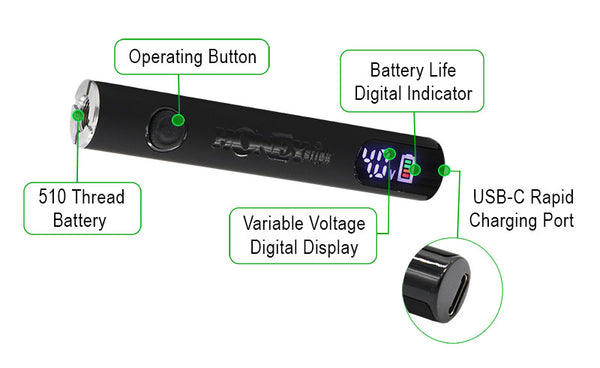
Monitor battery life via the LED display. Green indicates readiness, while red signifies the need for charging. Connect to any USB-C charger to recharge efficiently.
Adjusting Voltage:
To adjust, press the power button three times, then single-click to increase voltage. Your desired setting will be saved automatically.
Utilizing the Preheat Function:
Double-press the power button to initiate preheat, improving performance in cold conditions or with thick materials.
Original: $8.48
-70%$8.48
$2.54Product Information
Product Information
Shipping & Returns
Shipping & Returns
Description
Experience Precision Vaping with the Digital 510 Pen Battery
The HoneyStick Digital 510 Thread Vape Pen Battery is engineered for the modern vaper. It offers unmatched control over your vaping experience with its digital voltage adjustment from 2.0V to 4.0V, precise to 0.1V. The robust 400mAh capacity and innovative preheat function elevate your vaping sessions.
How to Use Your HoneyStick Digital 510 Battery
Activating Your Battery: Quickly press the power button five times to turn on/off.
Charging Your Device:
Monitor battery life via the LED display. Green indicates readiness, while red signifies the need for charging. Connect to any USB-C charger to recharge efficiently.
Adjusting Voltage:
To adjust, press the power button three times, then single-click to increase voltage. Your desired setting will be saved automatically.
Utilizing the Preheat Function:
Double-press the power button to initiate preheat, improving performance in cold conditions or with thick materials.